Course 1 · What's in the Box?
Open the Box
A virtual desktop tower on the bench. Open it the safe way, label what you find as input, processing, output or storage, and trace one keypress to the screen. Work it as a group of three: one drives, one calls the safety steps, one records.
Part A. Open it up
The steps are mixed up. Click them in the order a technician would do them.
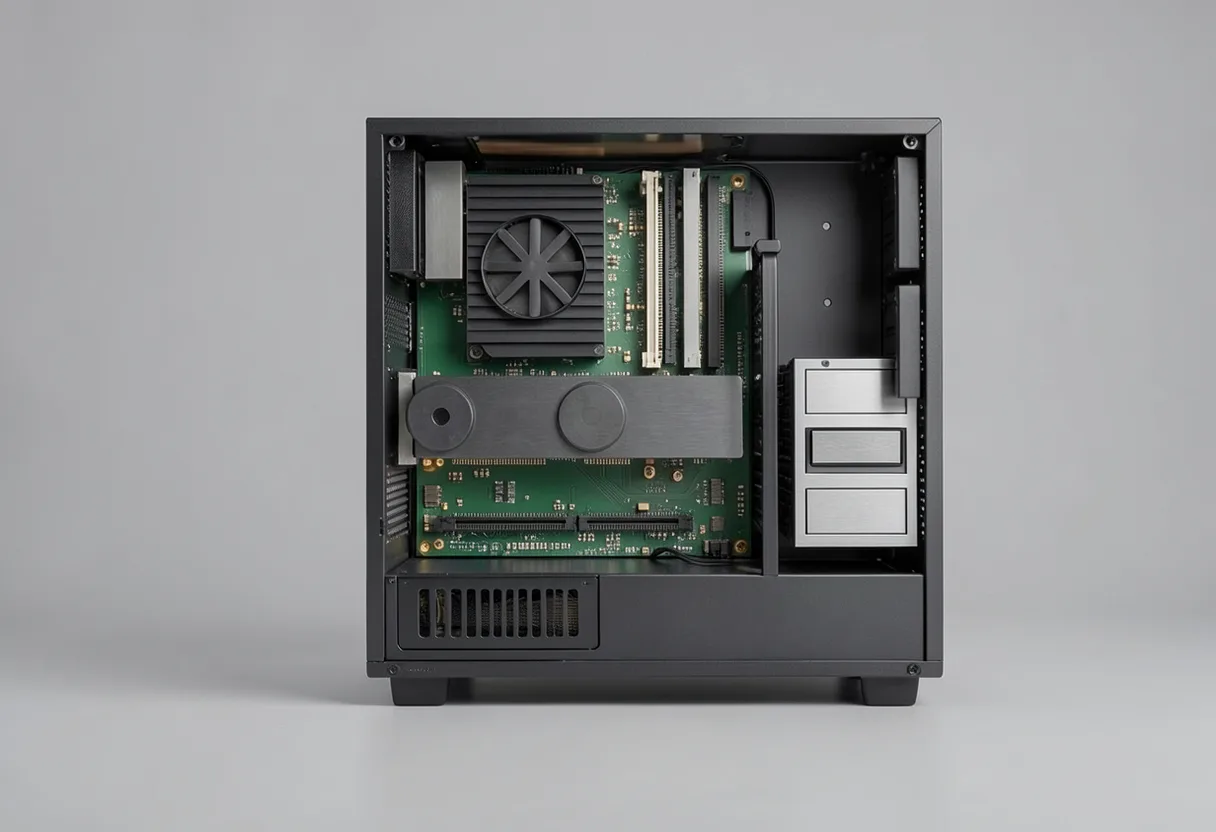
Back of the case
On the desk
Part B. Label what you find
Click a part on the drawing or in the rows under it, then choose what it does. Label at least eight. Some parts are more than one thing; any right answer counts.
is…
Part C. Trace one keypress
Follow the letter A from the key to the screen.
Part D. Close it up
Click the steps in order.